Ansible Learning Roadmap: How to Learn Ansible with 5 Hands-On Demo Projects
Quick answer
The fastest way to learn Ansible is to understand its core concepts, inventory, playbooks and modules, and then practice them in real projects. Ansible is an agentless automation and configuration management tool: you describe your servers' configuration in YAML playbooks and Ansible applies it over SSH. This roadmap takes you through 5 hands-on projects, from configuring a single server to a full CI/CD integration.
The fastest way to learn Ansible is to understand its core concepts (inventory, playbooks, modules) and then practice them in real projects. This Ansible roadmap takes you through exactly that: what Ansible is and why it matters, how it works, 5 hands-on Ansible demo projects that go from configuring a single server to a full CI/CD integration, more Ansible project ideas for beginners, and a step-by-step learning path.
Watch the overview of the Ansible learning path here. It is one part of our full DevOps Bootcamp.
What is Ansible and why learn it?
Ansible is an open source automation and configuration management tool. You describe the configuration of your servers in YAML files called playbooks, and Ansible connects to all of those servers over SSH and applies that configuration, with no agent to install on them.
Ansible is one of the most popular configuration management tools in IT projects, and knowing it is extremely valuable for a DevOps or cloud engineer. But learning it can feel challenging at first, so let’s start with the “why”.
What problems does Ansible solve? (Ansible use cases)
Ansible solves the problem of configuring and updating many servers by hand. Instead of SSH-ing into every server and running commands, you write the steps once as code and run them on all servers at the same time, the same way every time.
Let’s say your company has 50 servers where your dockerized applications are running. Docker releases a new version, and you want to upgrade Docker on all 50 servers. That upgrade may involve several steps, like stopping processes, updating packages and reconfiguring the environment.
Now imagine doing this manually. You SSH into the first server, do the configuration, maybe run a shell script you prepared. Then SSH into the next server and do the same. And repeat that for all 50 servers:
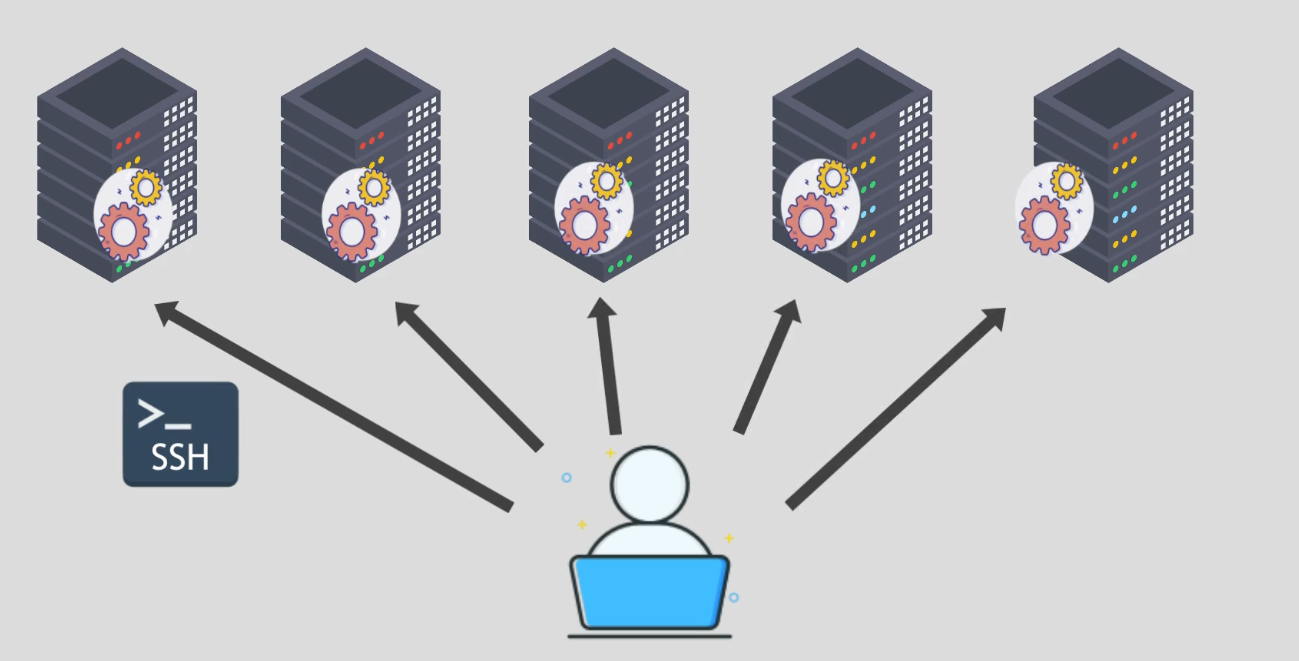
And you would have to do this every time something changes: creating new Linux users, installing up-to-date OS packages, applying a security patch, or doing backups. Plus, with manual changes it’s hard to remember everything you changed. So if 5 of those servers crashed, how would you restore the exact same configuration on new servers?
That’s where a configuration management tool like Ansible comes to the rescue. It makes server management efficient by automating it, using 3 important elements:
- You write all configuration steps in a single YAML file (“Configuration as Code”) instead of manual tasks and various shell scripts
- You execute those tasks on the servers remotely from your own machine, instead of SSH-ing into each server
- You execute them on all servers at once, by giving Ansible a list of servers. Whether you have 5 or 500 servers, it’s one command
This makes changes more reliable, because you avoid human errors like forgetting one server or one command. And if you lose a few servers, you can restore the configuration on brand new ones quickly.
| Manual SSH and shell scripts | Ansible | |
|---|---|---|
| Where you run it | On each server, one by one | Once, from a control node, on all servers |
| Repeatability | Depends on who runs it and how | Same result every run |
| Running it twice | Scripts can break things or duplicate work | Idempotent modules only change what is needed |
| Documentation | Lives in people’s heads or old notes | The playbook is the documentation, in Git |
| Recovering lost servers | Rebuild from memory | Run the playbook on the new servers |
How does Ansible work?
Ansible works from a control node, your laptop or a CI server, where Ansible is installed. It reads an inventory (which servers to manage) and a playbook (what to do on them), connects to the managed nodes over SSH, and runs the tasks there using small programs called modules.
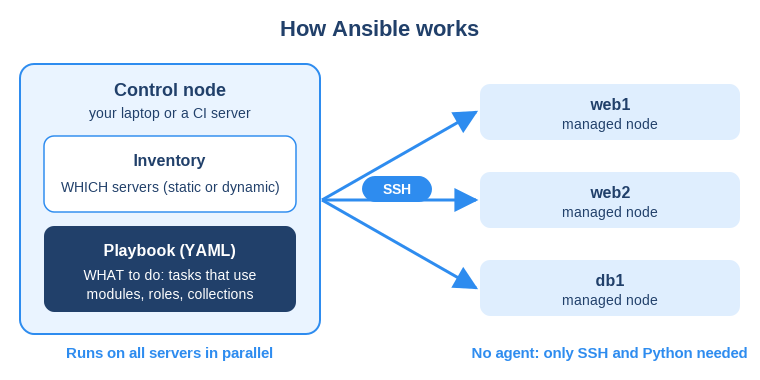
The core concepts you need to know:
- Inventory: the list of servers, grouped (for example
webservers,databases). It can be a static file or generated dynamically, for example from AWS - Modules: the units of work, like installing a package, copying a file or starting a service. Modules are idempotent: if the server is already in the desired state, nothing changes
- Tasks and playbooks: a task calls one module, a playbook is a YAML file with a list of tasks for a group of hosts
- Roles: a standard structure for packaging tasks, templates and variables so you can reuse them
- Collections: packages of modules, roles and plugins, for example
community.dockeroramazon.aws, which you install from Ansible Galaxy
Here is a small inventory and playbook, written the way you should write them today, with fully qualified module names (FQCN) like ansible.builtin.apt:
# inventory.ini
[webservers]
web1 ansible_host=203.0.113.10
web2 ansible_host=203.0.113.11

[webservers:vars]
ansible_user=ubuntu
# webserver.yml
- name: Configure web servers
hosts: webservers
become: true
tasks:
- name: Install nginx
ansible.builtin.apt:
name: nginx
state: present
update_cache: true
- name: Make sure nginx is running and starts on boot
ansible.builtin.service:
name: nginx
state: started
enabled: true
- name: Create a deploy user
ansible.builtin.user:
name: deploy
groups: sudo
append: trueAnd you run it like this:
pipx install --include-deps ansible                 # install Ansible on the control node
ansible webservers -i inventory.ini -m ansible.builtin.ping   # check that Ansible can reach the servers
ansible-playbook -i inventory.ini webserver.yml --check --diff  # dry run: show what would change
ansible-playbook -i inventory.ini webserver.yml                 # apply the configuration
Run the playbook a second time and you will see changed=0. That’s idempotency in action, and it’s one of the main reasons Ansible is safer than plain shell scripts.
What are the best Ansible projects to learn Ansible?
The best Ansible projects for learning start with configuring a single server, then automate Docker and Kubernetes deployments, introduce dynamic inventory, and end with running Ansible from a CI/CD pipeline. These 5 real-life demo projects follow that path. They are all from the Ansible module of our DevOps Bootcamp.
Ansible project 1 (beginner): Automate a Node.js app deployment
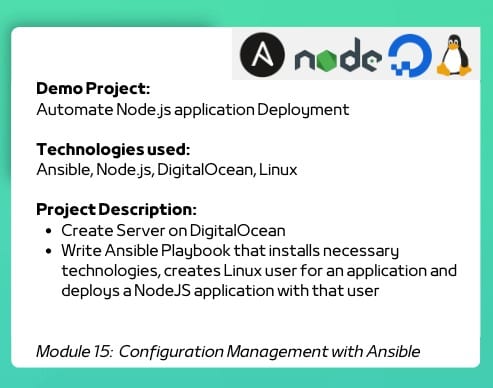
Write an Ansible playbook that configures a Linux server on a cloud platform to prepare the deployment environment: install Node.js and npm, create a dedicated Linux user, and set up the folders.
Then the playbook copies, builds and starts the Node.js application on that server.
Why it’s important: you learn the core building blocks: inventory, tasks, modules for packages, users and files, privilege escalation with become, and how to translate shell commands into Ansible tasks.
Ansible project 2: Automate a Docker deployment
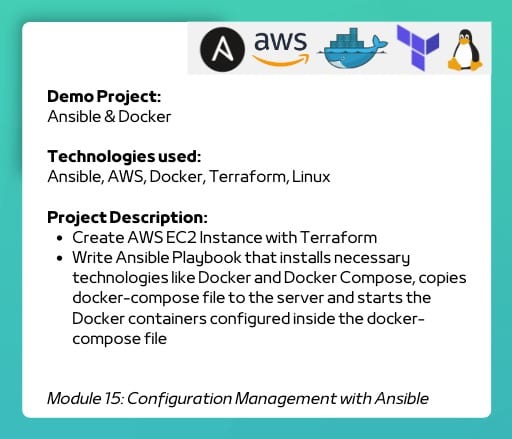
Provision an EC2 instance with Terraform. Then write an Ansible playbook that connects to the newly provisioned server and installs Docker and Docker Compose on it.
The playbook then copies a Docker Compose file to the server and starts the containers defined in it, for example with the community.docker.docker_compose_v2 module.
Why it’s important: it shows the classic split of responsibilities: Terraform creates the server, Ansible configures it and deploys the app.
Ansible project 3: Automate a Kubernetes deployment
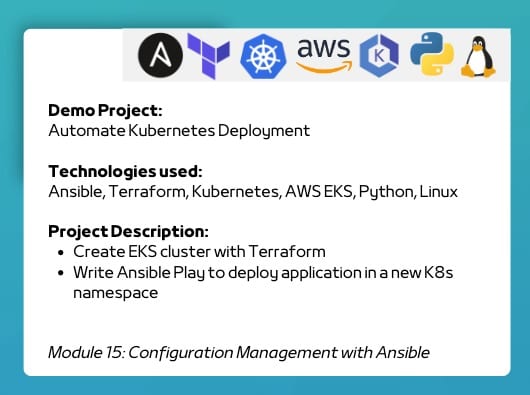
Provision an EKS cluster using Terraform. Then write an Ansible playbook that creates a new Kubernetes namespace and deploys an application into that namespace, using the kubernetes.core.k8s module.
Why it’s important: Ansible isn’t only for servers. It can talk to APIs like Kubernetes too, so you can automate whole environments with one tool.
Ansible project 4: Configure a dynamic inventory
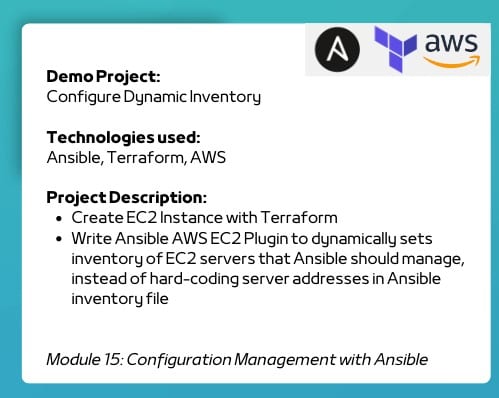
Provision a few EC2 instances with Terraform. Then configure the Ansible AWS EC2 inventory plugin to fetch the IP addresses of the newly created servers and use them as the inventory, instead of hard-coding the IP addresses.
# inventory_aws_ec2.yml  (the file name must end in aws_ec2.yml)
plugin: amazon.aws.aws_ec2
regions:
  - eu-central-1
filters:
  instance-state-name: running
keyed_groups:
  - key: tags.Role
    prefix: role
Why it’s important: in cloud environments servers come and go all the time. Dynamic inventory is essential for working with large, changing infrastructure.
Ansible project 5 (capstone): Ansible in a CI/CD pipeline
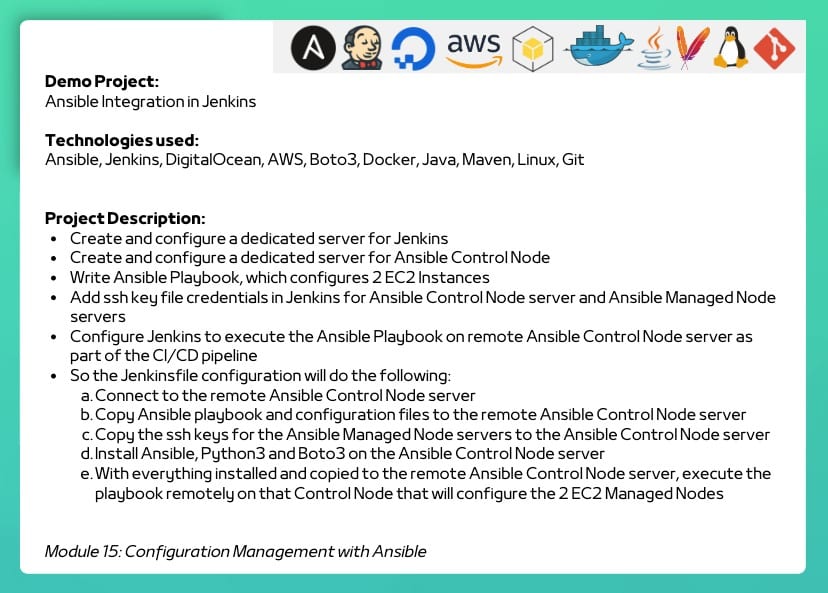
Steps of this demo project:
- Create a dedicated server as the Ansible control node
- Write an Ansible playbook to configure multiple EC2 instances
- Create a Jenkins pipeline job that triggers the Ansible playbook on the remote control node to configure the EC2 instances
This project involves many steps and mirrors a real-life setup of Ansible automation from a CI/CD pipeline. Learning the details and nuances, what gets executed where and how to configure every step of the integration between servers and tools, is where the real knowledge comes from. This is where you learn the most.
In the Ansible module of the DevOps Bootcamp we go through this setup in detail, from setting up the CI/CD pipeline to connecting to the servers and executing the playbooks. We don’t skip any details, so even a complex project like this is easy to follow.
See where Ansible fits in your DevOps learning path
Ansible is much easier to learn once you know Linux, SSH and a cloud platform. My free DevOps Roadmap shows you which skills to learn before and after it.
Ansible project ideas for beginners
Good beginner Ansible projects are small automations you would otherwise do by hand: setting up a fresh Linux server, installing a web server, creating users, or deploying a simple app. You only need one or two Linux VMs or cloud servers to practice. Here are more ideas, sorted by level:
| Level | Ansible project idea | What you practice |
|---|---|---|
| Beginner | Harden a new Ubuntu server: update packages, create users, add SSH keys, configure the firewall | Inventory, become, apt, user, authorized_key modules |
| Beginner | Install nginx and deploy a static website from a template | template module, Jinja2, handlers to reload nginx |
| Beginner | Run the same playbook on Ubuntu and a Red Hat based server | Facts, conditionals with when, OS-independent playbooks |
| Intermediate | Turn your server setup into reusable roles and share them via a Git repo | Roles, variables, defaults, Ansible Galaxy |
| Intermediate | Keep secrets like database passwords encrypted | Ansible Vault |
| Advanced | Provision with Terraform, then configure with Ansible in one pipeline | Dynamic inventory, CI/CD integration |
How to learn Ansible: a step-by-step roadmap
To learn Ansible, start with Linux, SSH and YAML basics, then learn inventory, ad-hoc commands and playbooks, practice common modules and variables, and finish with roles, dynamic inventory and integrations with Docker, Kubernetes, Terraform and CI/CD. This is the path we follow in our Ansible course within the DevOps Bootcamp:

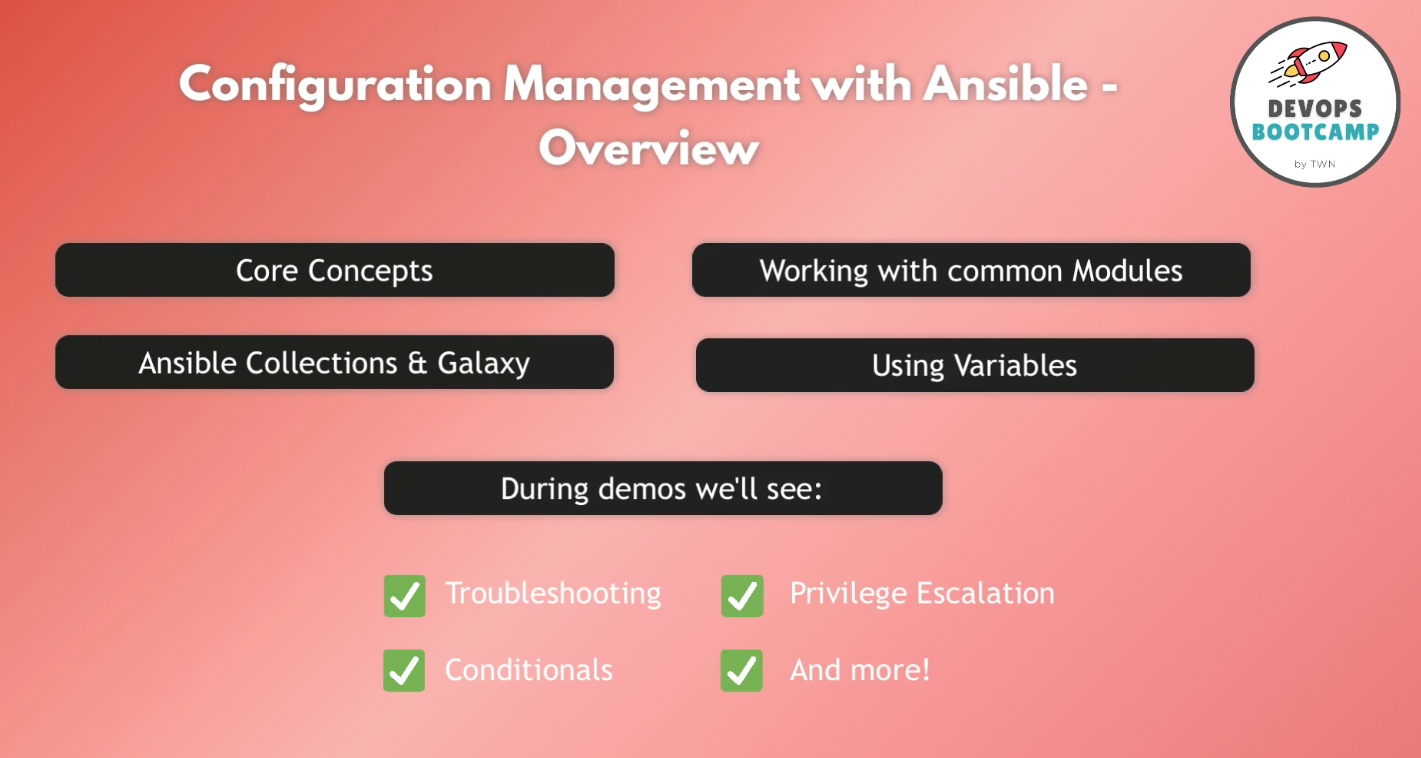
Part 1: Ansible core concepts
- Prerequisites: Linux command line, SSH and SSH keys, and YAML syntax
- Core concepts: inventory, ad-hoc commands, and how to write a playbook
- Modules for common tasks: installing packages, configuring applications, working with the file system, copying files between machines
- Translating shell scripts into playbooks: taking common commands and automating them the Ansible way
- Working with different Linux distributions, so your playbooks are flexible and not limited to one OS
- Variables: making playbooks customizable, and the different ways of setting variable values
- Troubleshooting, conditionals and privilege escalation
- Collections and Ansible Galaxy
Part 2: Advanced Ansible
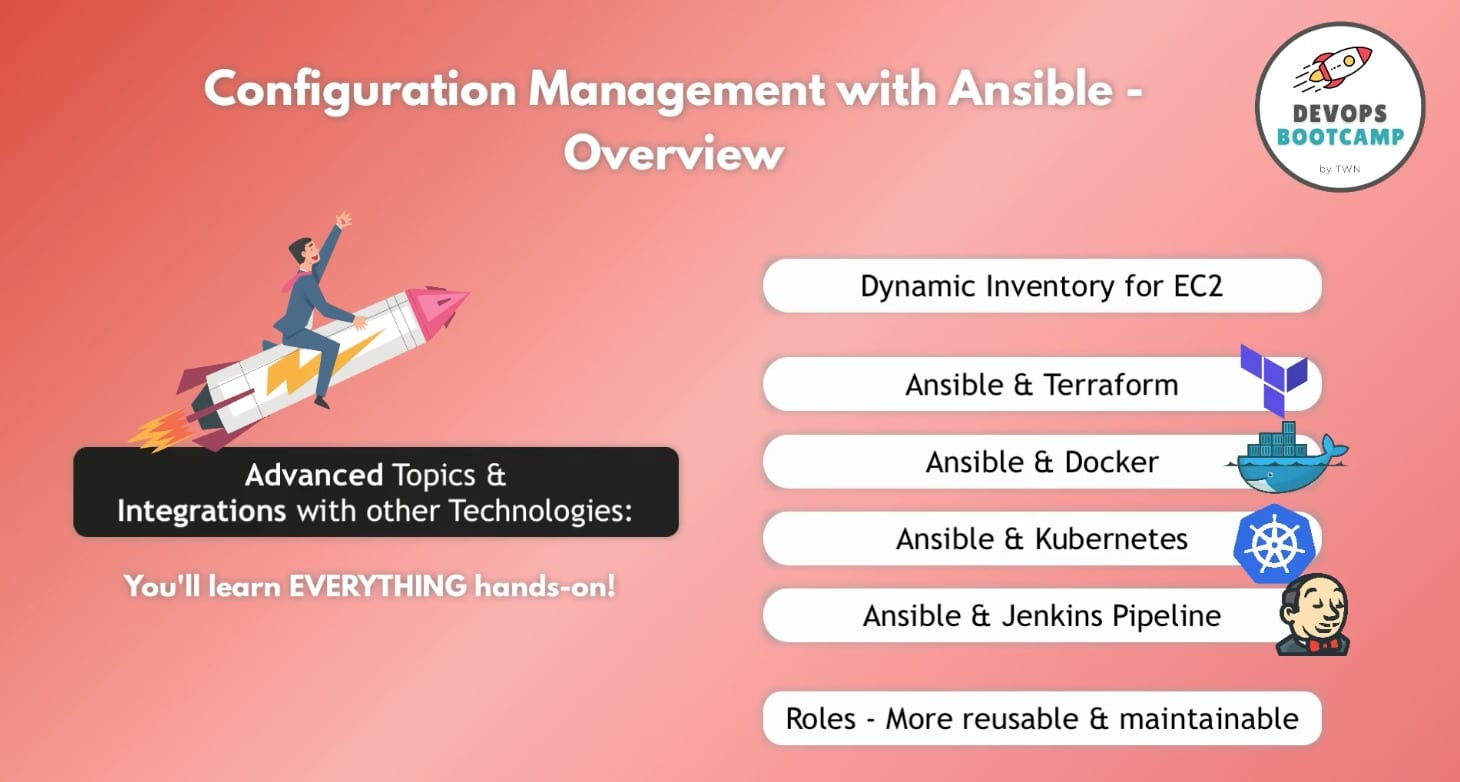
- Dynamic inventory for AWS EC2, instead of hard-coding server addresses
- Running Ansible from Terraform right after provisioning, to fully automate provisioning and configuration
- Docker modules to work with images and containers and deploy applications with Docker Compose
- Kubernetes modules to configure a cluster and deploy components into it
- Ansible in a Jenkins CI/CD pipeline for a production-grade deployment setup
- Ansible roles to make your code reusable and modular for bigger projects
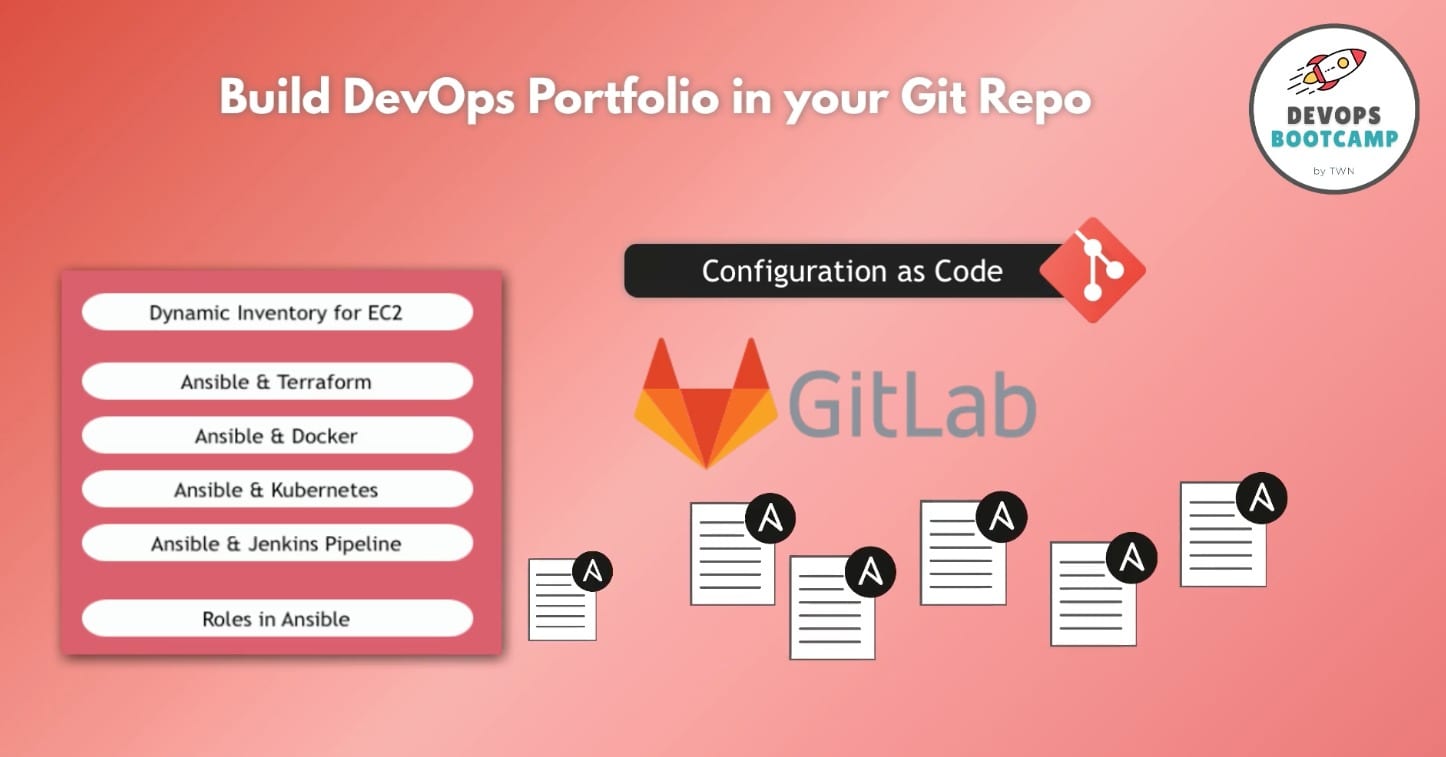
Following the configuration as code idea, we host the Ansible project in a Git repository and add the playbooks for all demo projects there. So by the end of the module, you have a nice Ansible project portfolio.
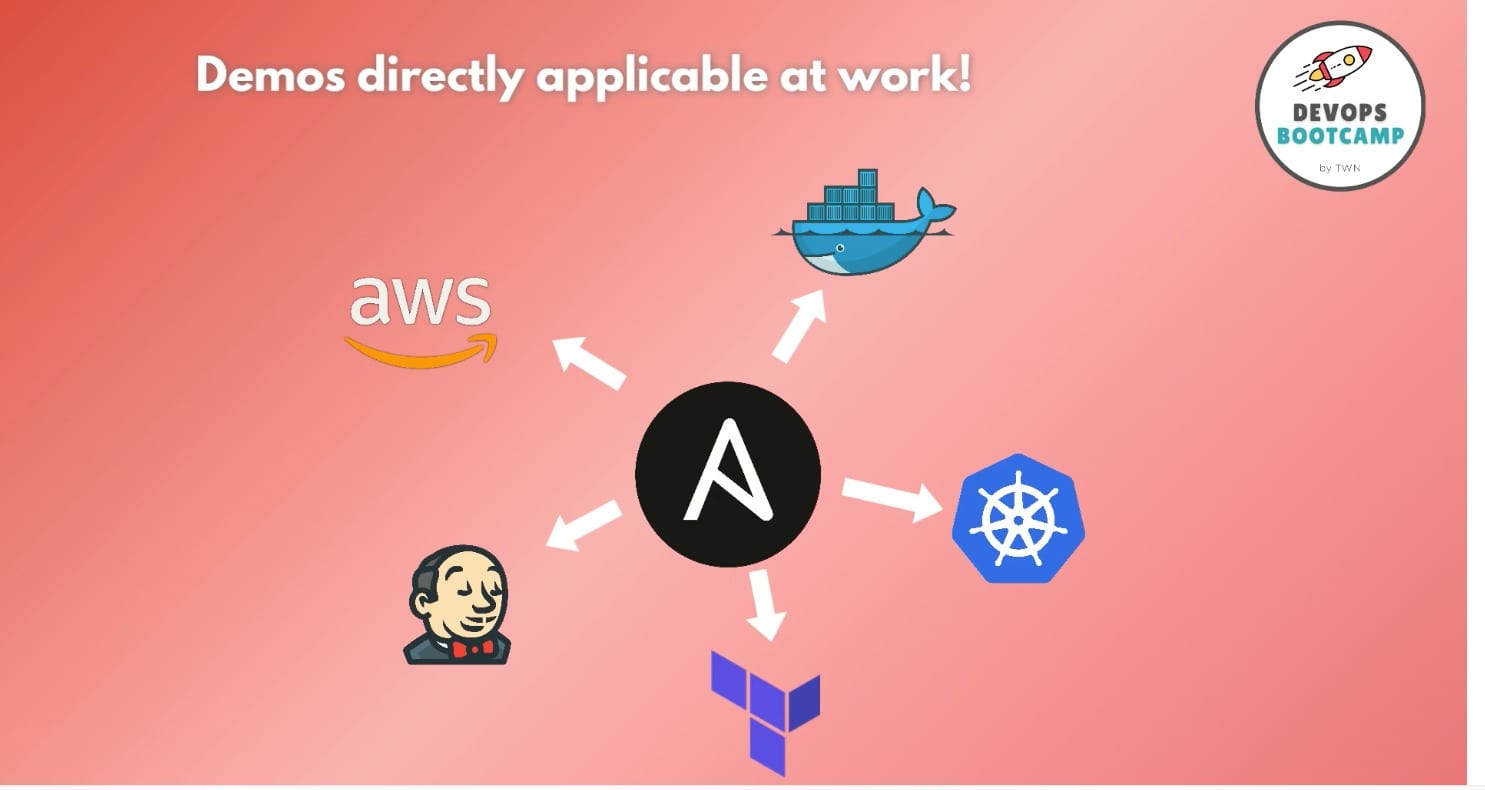
And as you see, you don’t learn Ansible as a standalone tool, but integrated with other technologies, like Docker, Kubernetes, Terraform, Jenkins and AWS, in real-world use cases. That’s how you use it in real jobs, and it’s the part most courses skip.
What is the difference between Ansible and Terraform?
Ansible is mainly a configuration management tool that installs and configures software on existing servers, while Terraform is an infrastructure provisioning tool that creates the servers, networks and clusters in the first place. They are often used together: Terraform builds the infrastructure, Ansible configures it.
| Ansible | Terraform | |
|---|---|---|
| Main purpose | Configure servers, deploy applications | Provision cloud infrastructure |
| Language | YAML playbooks | HCL |
| State | No state file, checks the servers on every run | Keeps a state file |
| Connects via | SSH (or WinRM for Windows), agentless | Cloud and platform APIs through providers |
| Example | “Install Docker on these servers and start the app” | “Create 3 EC2 instances in this VPC” |
If you want to learn Terraform too, check out my Terraform learning roadmap with 5 demo projects.
I hope this roadmap helps you become a pro in Ansible, and not only advance your engineering career, but also make your daily engineering work much more efficient.
Frequently asked questions
Is Ansible easy to learn?
Yes, Ansible is one of the easier DevOps tools to start with. Playbooks are written in readable YAML, there is no agent to install, and you can automate your first server in an afternoon. The harder part is the Linux and networking knowledge underneath, so it helps to be comfortable with the command line and SSH first.
How long does it take to learn Ansible?
If you know Linux basics, you can learn the Ansible fundamentals (inventory, playbooks, modules, variables) in about a week of regular practice. Getting confident with roles, dynamic inventory and CI/CD integration usually takes a few more weeks of hands-on projects. Building real projects is what speeds it up the most.
What are good Ansible projects for beginners?
Good first projects are setting up and hardening a fresh Linux server, installing nginx and deploying a static website from a template, and deploying a small Node.js or Python app. After that, try installing Docker and starting containers with Docker Compose. Each project teaches you new modules while staying small enough to finish quickly.
Do I need to know Python to use Ansible?
No, you don’t need to write Python to use Ansible. Playbooks are written in YAML, and Ansible handles the rest. Ansible itself is written in Python and needs Python on the managed Linux servers, and Python knowledge only becomes useful if you want to write your own modules or plugins.
What is the difference between ansible and ansible-core?
ansible-core is the engine: the command-line tools, the language and a small set of built-in modules under ansible.builtin. The “ansible” community package includes ansible-core plus a large selection of collections, like community.docker or amazon.aws. That’s also why version numbers differ: for example “Ansible 3.0” was a 2021 release of the community package, not of the core engine.
Is Ansible still worth learning?
Yes. Even with containers and Kubernetes, companies still run many virtual machines and servers that need to be configured, patched and kept consistent, and Ansible is one of the most common tools for that. It’s also widely used for network automation and for gluing together steps in CI/CD pipelines.
Where to go from here
Learn Ansible together with the tools it automates
In the DevOps Bootcamp, the Ansible module builds on Linux, AWS, Docker, Kubernetes, Terraform and Jenkins, so you build these projects in real, connected setups with step-by-step guidance.