Terraform Projects for Beginners to Advanced: 5 Demo Projects and a Terraform Learning Roadmap
Quick answer
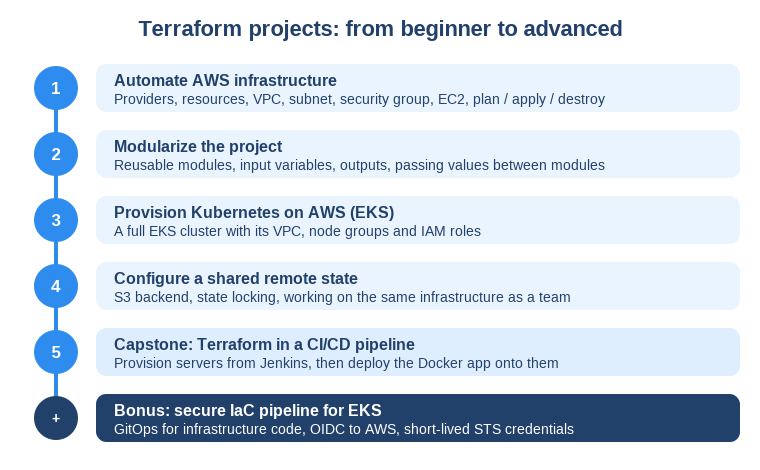
The best way to learn Terraform is to build real projects with it. Start with the basics of Infrastructure as Code and provision your first AWS server, then move on to reusable modules, a Kubernetes (EKS) cluster, shared remote state, and finally Terraform in a CI/CD pipeline. This article walks you through 5 demo projects in that order, plus more project ideas and a step-by-step learning roadmap.
The best way to learn Terraform is to build real projects with it. In this article I show you 5 hands-on Terraform demo projects that build on each other: from provisioning your first AWS server, to reusable modules, a Kubernetes (EKS) cluster, shared remote state and a full CI/CD integration. Plus more Terraform project ideas for beginners, code examples, and a step-by-step learning roadmap.
Watch the overview of the Terraform learning path here. It is one part of our full DevOps Bootcamp.
What is Terraform and why learn it?
Terraform is an Infrastructure as Code (IaC) tool: you describe your infrastructure, like networks, servers, Kubernetes clusters or DNS records, in configuration files, and Terraform creates, changes and deletes the real resources to match. It works with AWS, Azure, Google Cloud and hundreds of other platforms through providers.
Infrastructure as Code has become a cornerstone of modern DevOps, and Terraform is one of the most used tools in this area. Instead of clicking through a cloud console, you write the setup once and can recreate it any time. The key principles of IaC are:
- Version control: infrastructure code lives in Git, so you can track changes, roll back and collaborate
- Automation: tools like Terraform provision and configure resources based on that code
- Consistency: repeated deployments create identical environments and reduce configuration drift
- Scalability: you scale infrastructure by changing code and applying it again
The benefits are faster deployments, fewer manual errors, transparent collaboration through code reviews, and much quicker disaster recovery, because rebuilding infrastructure is just running the code again.
Popular IaC tools you will hear about:
- Terraform: the most widely used, works with almost every cloud and platform
- OpenTofu: an open source fork of Terraform under the Linux Foundation, created after HashiCorp changed Terraform’s license in 2023; the configuration language is largely the same
- AWS CloudFormation: native to AWS
- Pulumi: lets you write IaC in general-purpose programming languages instead of a domain-specific language
If you want a short introduction to the concepts first, read my article Terraform simply explained or watch my Terraform explained in 15 minutes video.
What does Terraform code look like?
Here is a minimal, current Terraform configuration that creates an EC2 server on AWS. It is basically what you write in the first demo project:
terraform {
  required_version = ">= 1.5"

  required_providers {
    aws = {
      source  = "hashicorp/aws"
      version = "~> 6.0"
    }
  }
}

provider "aws" {
  region = var.region
}

variable "region" {
  type    = string
  default = "eu-central-1"
}

# Look up the latest Amazon Linux 2023 image instead of hard-coding an AMI ID
data "aws_ami" "amazon_linux" {
  most_recent = true
  owners      = ["amazon"]

  filter {
    name   = "name"
    values = ["al2023-ami-*-x86_64"]
  }
}

resource "aws_instance" "web" {
  ami           = data.aws_ami.amazon_linux.id
  instance_type = "t3.micro"

  tags = {
    Name = "terraform-demo"
  }
}

output "public_ip" {
  value = aws_instance.web.public_ip
}
And the workflow you use for every project:
terraform init      # download the providers
terraform plan      # preview what will change
terraform apply     # create or update the resources
terraform destroy   # delete everything again when you're done
Tip: always run terraform destroy after practicing on a real cloud account, so you don’t pay for resources you forgot about.
What are the best Terraform projects to learn Terraform?
The best Terraform projects are ones that build on each other: start with provisioning basic cloud infrastructure, then refactor it into modules, provision a Kubernetes cluster, set up shared remote state for teamwork, and finally run Terraform from a CI/CD pipeline. These 5 demo projects follow exactly that path, and they are real-world projects from our DevOps Bootcamp curriculum.
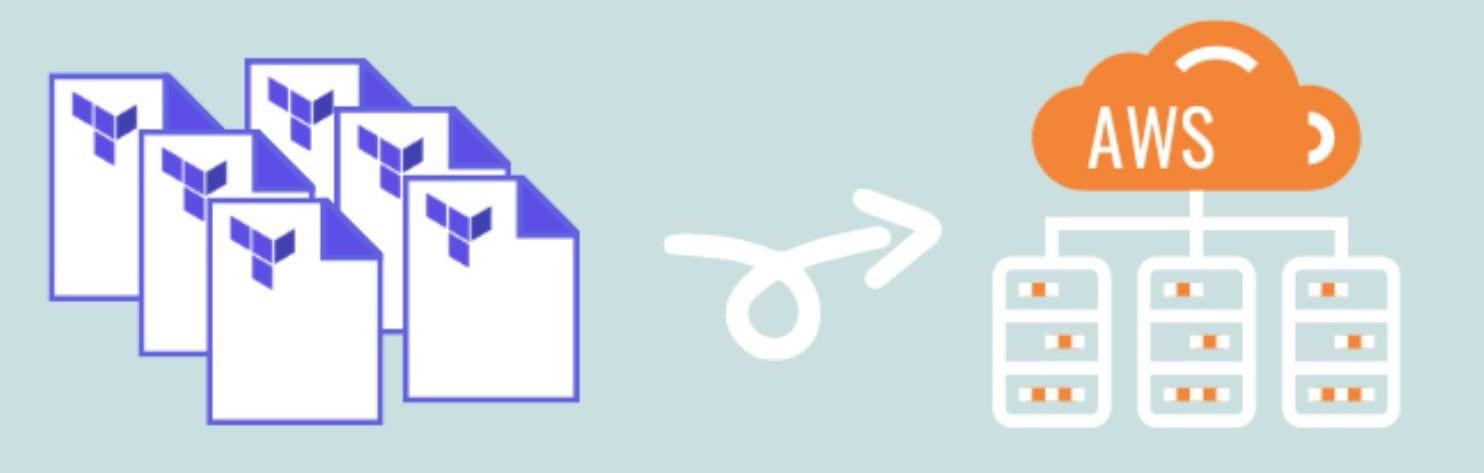
Terraform project 1 (beginner): Automate AWS infrastructure
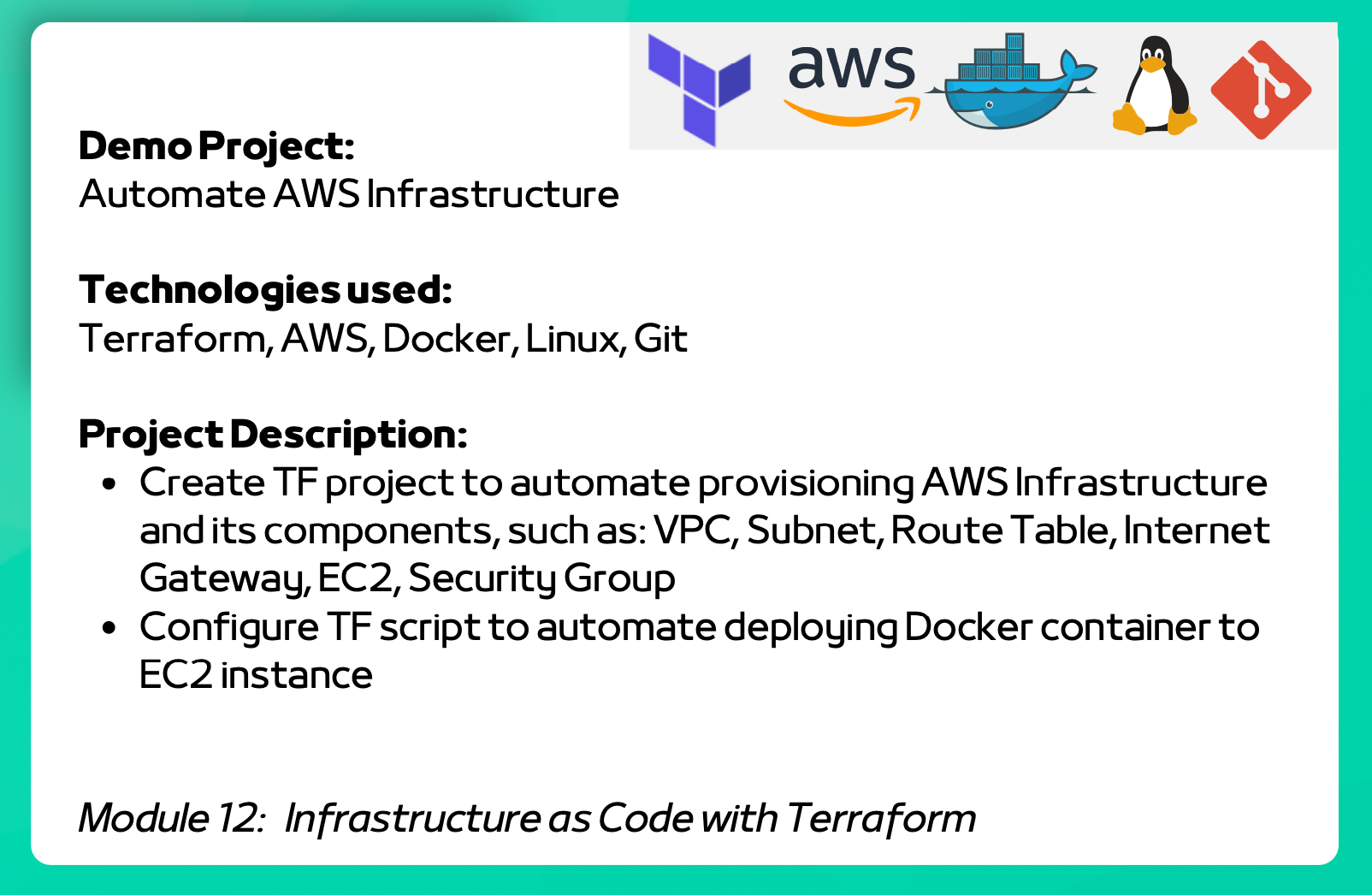
This beginner project introduces the fundamentals of Terraform:
- Provision the key AWS resources: a VPC, subnets, route table, internet gateway, security group and an EC2 instance
- Deploy a Docker container on the EC2 instance automatically on startup
Why it’s important: you get hands-on experience with Terraform syntax and the core concepts, like providers, resources, data sources, variables, outputs and the plan/apply workflow.
Terraform project 2: Modularize the project
In this project you refactor the Terraform code from project 1 to use modules:
- Create reusable modules for the VPC, EC2 instances and security groups
- Pass variables into modules and use their outputs in other modules
module "webserver" {
  source = "./modules/webserver"

  vpc_id        = module.network.vpc_id
  subnet_id     = module.network.subnet_id
  instance_type = "t3.micro"
}
Why it’s important: modules are a critical best practice. They make your code reusable, easier to maintain, and let you build the same setup for different environments.
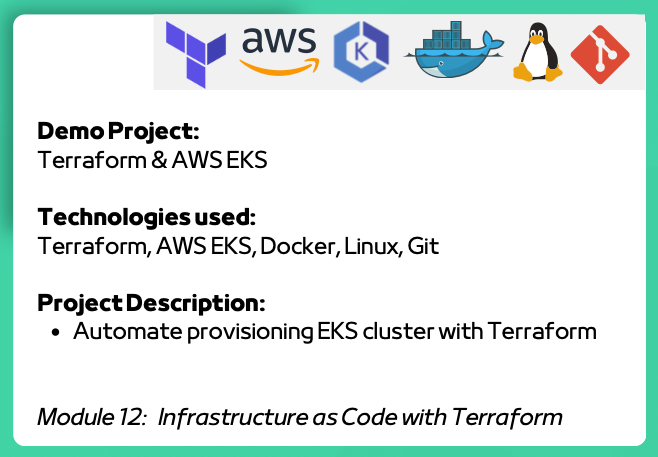
Terraform project 3: Provision a Kubernetes cluster on AWS (EKS)
Learn how to use Terraform to:
- Provision a fully functional Kubernetes cluster on AWS (EKS)
- Configure node groups, the VPC and IAM roles the cluster needs
Why it’s important: setting up EKS by hand involves many interconnected resources. Doing it with Terraform shows you how IaC handles real complexity, and it prepares you to deploy containerized applications in the cloud at scale.
Terraform project 4: Configure a shared remote state
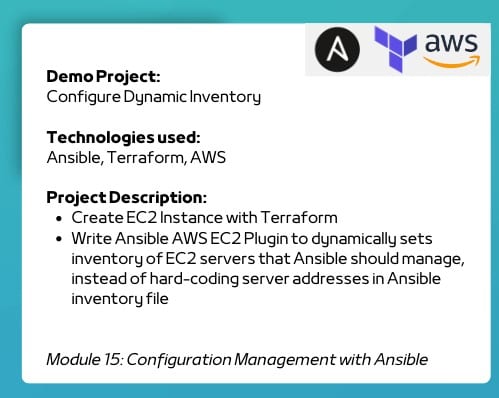
You won’t work alone on real projects. And in a team, managing Terraform state is crucial. This project covers:
- Configuring an AWS S3 bucket as remote storage for the Terraform state file
- Using state locking to prevent conflicts when two people run Terraform at the same time
terraform {
  backend "s3" {
    bucket       = "my-team-terraform-state"
    key          = "dev/network/terraform.tfstate"
    region       = "eu-central-1"
    encrypt      = true
    use_lockfile = true # S3-native state locking (Terraform 1.10+)
  }
}
In older setups you will often see a DynamoDB table used for locking instead. Newer Terraform versions can lock directly in S3, which is simpler.
Why it’s important: understanding state management ensures smooth collaboration and prevents broken or conflicting infrastructure changes in multi-user environments.
Terraform project 5 (capstone): Terraform in a CI/CD pipeline
This advanced project integrates Terraform into a complete CI/CD pipeline:
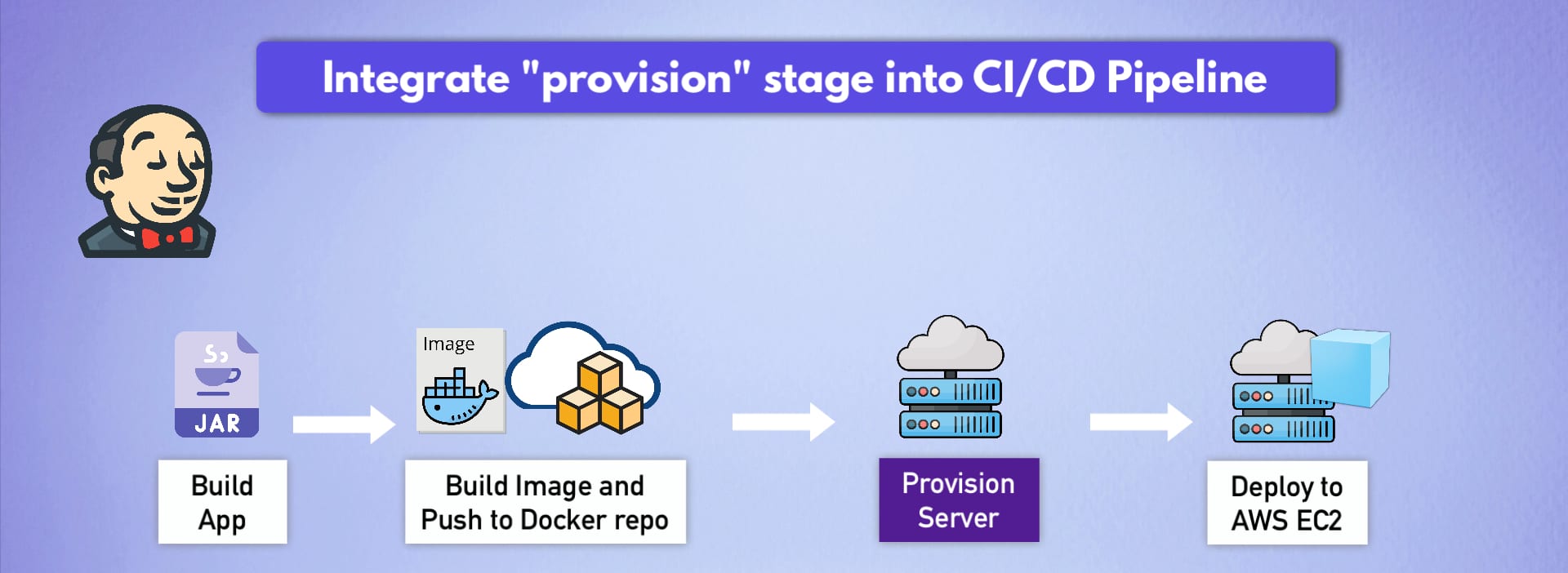
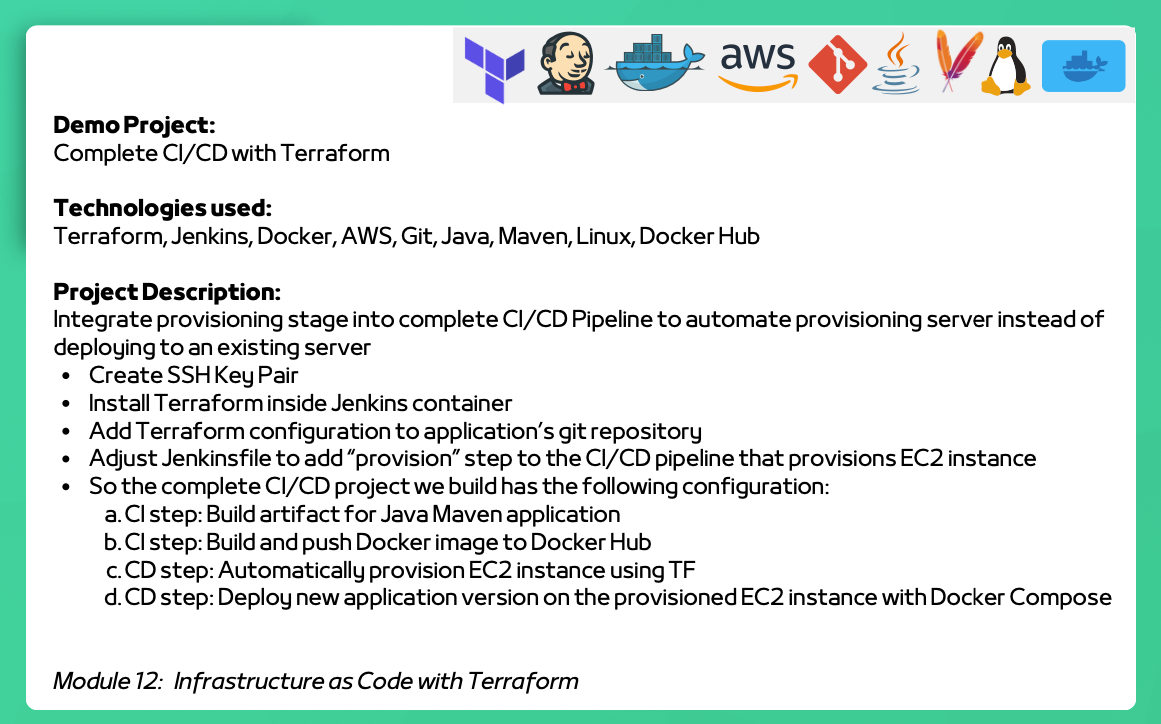
This project covers:
- Automating server provisioning with Terraform as part of the CI/CD process
- Configuring Terraform to create EC2 instances and deploy Docker containers on them
- Adjusting a Jenkinsfile to include the Terraform provisioning steps
Why it’s important: this is how Terraform is used in real companies. Infrastructure changes go through a pipeline, not someone’s laptop.
If you need help implementing this one: in the Terraform module of the DevOps Bootcamp we go through this setup in detail, every touch point and configuration step, from setting up the CI/CD pipeline to connecting to the servers and executing Terraform. We don’t skip details, so even a complex project like this is easy to follow.
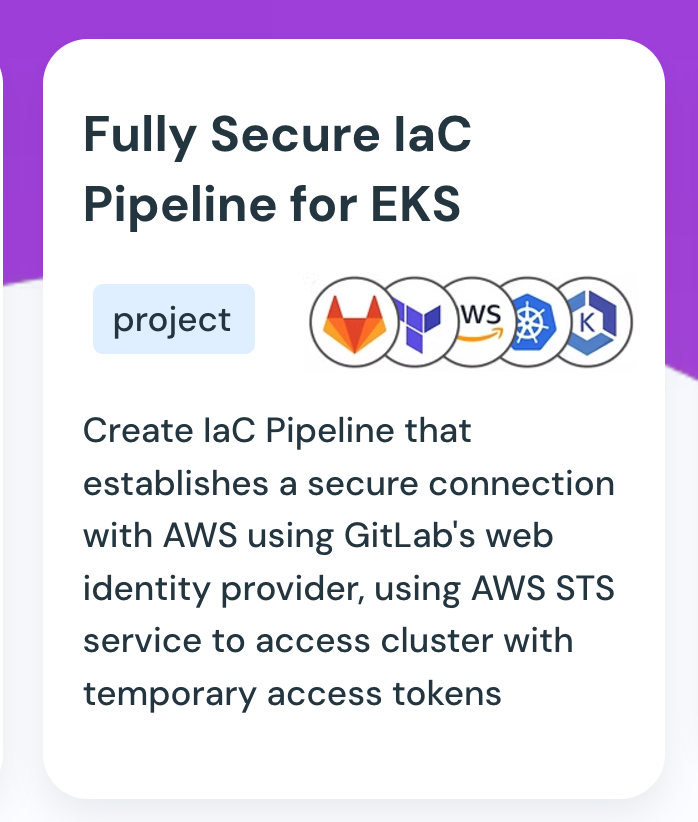
Bonus project: Fully secure IaC pipeline for AWS EKS
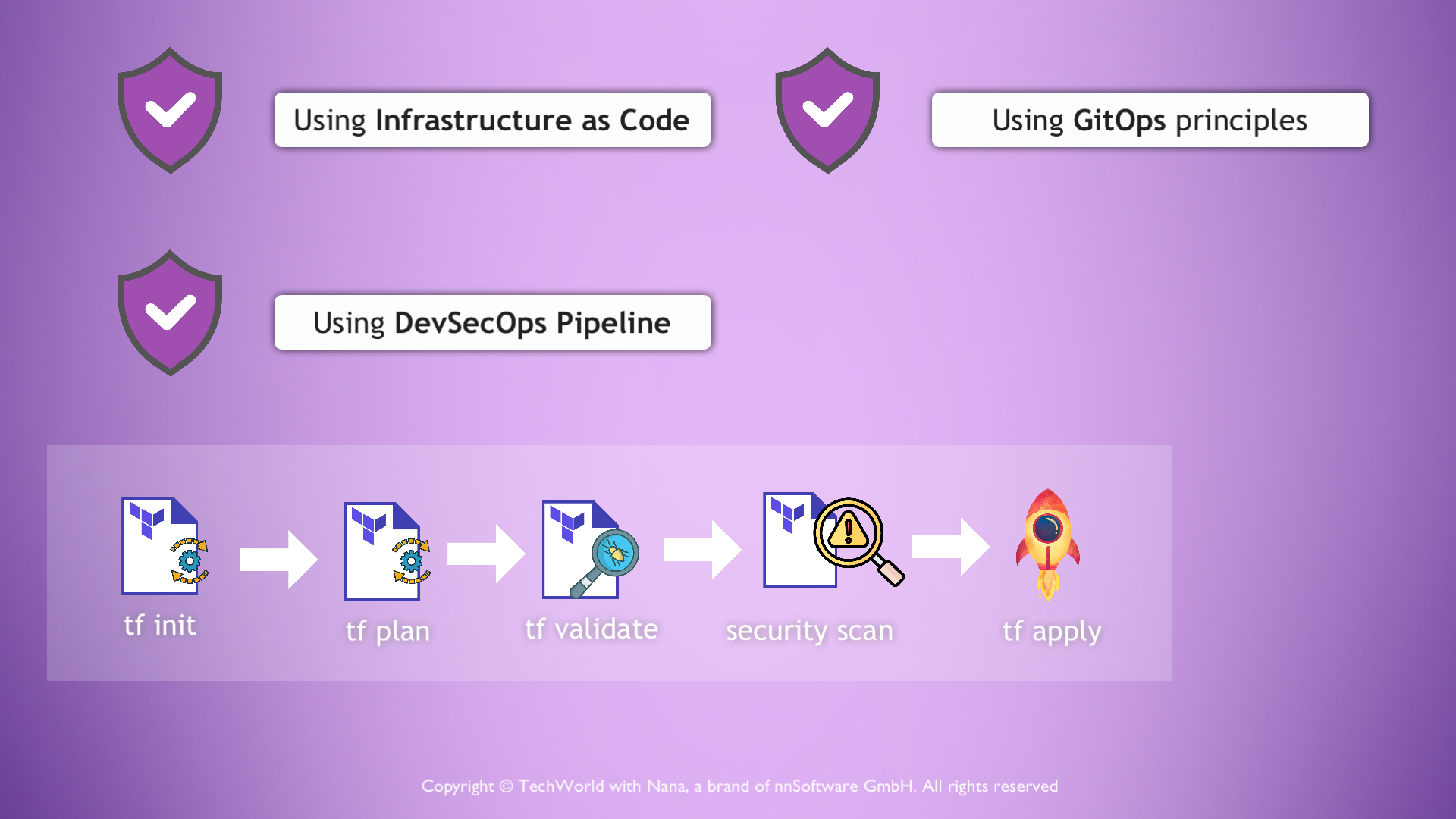
As a bonus, this advanced project takes your Terraform skills to the next level by integrating security best practices into your IaC pipeline:
Project steps:
- Create a CI/CD pipeline for infrastructure code using GitOps principles
- Establish a secure connection to AWS using GitLab’s web identity provider (OIDC), with no long-lived AWS keys in the pipeline
- Use AWS Security Token Service (STS) to access the EKS cluster with temporary, expiring credentials, which reduces the risk of leaked credentials
Why it’s important: it puts security first in your IaC work and aligns it with DevSecOps principles. This is just one of many projects from our DevSecOps Bootcamp.
Terraform is one step on the DevOps roadmap
Terraform makes the most sense once you know Linux, Docker and a cloud platform. My free DevOps Roadmap shows you which skills come before and after it.
More Terraform project ideas for beginners
Good beginner Terraform projects are small, cheap to run and finished in an afternoon: for example running Docker containers locally, hosting a static website on S3, or creating a VPC with one server. Once those work, move to the 5 projects above. Here are more ideas, sorted by level, that also look good on a resume or GitHub profile:
| Level | Terraform project idea | What you practice |
|---|---|---|
| Beginner | Run an nginx container locally with the Docker provider (kreuzwerker/docker) | Terraform workflow and state without a cloud account |
| Beginner | Host a static website on S3, optionally with CloudFront | Resources, dependencies, outputs |
| Beginner | Create a VPC with a public subnet and one EC2 web server | Networking basics, data sources, variables |
| Intermediate | Same setup for dev, staging and prod environments | Modules, .tfvars files, separate state per environment |
| Intermediate | GitHub Actions or GitLab CI pipeline that runs terraform plan on merge requests and apply on merge | IaC in CI/CD, code review for infrastructure |
| Intermediate | Import existing, manually created resources into Terraform | import blocks, state management |
| Advanced (real-time style) | EKS cluster plus the application deployed with the Kubernetes or Helm provider | Multiple providers, dependencies between layers |
| Advanced (real-time style) | Policy and security checks in the pipeline with tools like Checkov or Trivy | Shift-left security for infrastructure |
A “Terraform demo” for a portfolio doesn’t need to be huge. What makes it convincing is a clean repo: a README that explains the architecture, modules with clear inputs and outputs, remote state, and a pipeline that runs terraform fmt -check, terraform validate and terraform plan.
How to learn Terraform: a step-by-step roadmap
To learn Terraform, first get comfortable with Linux, Git and one cloud platform (AWS is the most common), then learn the core Terraform concepts, practice them in small projects, and finish with modules, remote state and CI/CD. Here is the order I recommend:
- Prerequisites: basic Linux and command line, Git, and cloud fundamentals like VPCs, subnets, security groups and IAM. Terraform automates the cloud, so you need to understand what you are automating.
- Core concepts: providers, resources, data sources, variables, outputs, locals, and how Terraform builds a dependency graph.
- The workflow:
init,plan,apply,destroy, plusfmtandvalidateto keep code clean. - State: what the state file is, why it matters, and why you never edit it by hand.
- Modules: writing your own and using modules from the Terraform Registry.
- Teamwork: remote state, locking, separate environments, code reviews for infrastructure changes.
- Automation: running Terraform from CI/CD pipelines, and combining it with configuration management tools like Ansible.
- Quality and security: the built-in
terraform testcommand, static analysis and policy checks, and managing secrets safely.

This is also how we teach it in the Terraform module of the DevOps Bootcamp: Terraform’s core components, architecture, commands and syntax, and many real-life projects, so you can use Terraform for any type of infrastructure automation job. This skill set makes you a more valuable engineer, no matter which engineering role you have.
What is the difference between Terraform and Ansible?
Terraform is mainly an infrastructure provisioning tool: it creates the servers, networks and clusters. Ansible is mainly a configuration management tool: it installs software and configures those servers once they exist. Many teams use both together, Terraform to create the infrastructure and Ansible to configure it.
| Terraform | Ansible | |
|---|---|---|
| Main purpose | Provisioning infrastructure (VPCs, VMs, Kubernetes clusters, DNS) | Configuring servers and deploying applications |
| Language | HCL (HashiCorp Configuration Language) | YAML playbooks |
| Approach | Declarative: you describe the desired end state | Mostly procedural: tasks run in order (with idempotent modules) |
| State | Keeps a state file of what it manages | No state file, checks the current state on each run |
| How it connects | Calls cloud and platform APIs through providers | Connects to servers over SSH (or WinRM), agentless |
| Typical example | “Create 3 EC2 instances in this VPC” | “Install Docker on these 3 servers and start the app” |
If you want to learn Ansible next, I have the same kind of project-based guide: Ansible learning roadmap with 5 demo projects.
I hope this guide inspires you to learn Terraform hands-on and take the next step in your Terraform journey.
Frequently asked questions
What are some good Terraform projects for beginners?
Good beginner projects are running a Docker container locally with the Docker provider, hosting a static website on S3, and creating a VPC with a single EC2 web server. They teach you the init, plan, apply and destroy workflow, variables and outputs, without big cloud costs. After that, refactor your code into modules as a next step.
What are real-time Terraform projects?
Real-time Terraform projects are ones that mirror how companies actually use Terraform: provisioning a Kubernetes cluster like EKS, managing shared remote state with locking, separating dev, staging and prod environments, and running Terraform from a CI/CD pipeline. The capstone project in this article, integrating Terraform into a Jenkins pipeline, is a good example.
How long does it take to learn Terraform?
The basics of Terraform can be learned in a few days if you already understand a cloud platform like AWS. Becoming confident with modules, remote state and CI/CD integration usually takes a few weeks of regular, hands-on practice. Without cloud fundamentals it takes longer, because you need to learn what you are automating first.
Is Terraform hard to learn?
Terraform’s syntax (HCL) is quite simple and readable. The harder part is the infrastructure underneath: networking, IAM permissions and how cloud services connect. That’s why building projects is the best way to learn, because you learn the cloud concepts and Terraform together.
Do I need to know AWS to learn Terraform?
You don’t need AWS specifically, Terraform works with Azure, Google Cloud and many other platforms too. But you do need to understand at least one cloud platform, because Terraform code describes cloud resources. AWS is the most common choice and has the most examples and learning material.
Should I learn Terraform or Ansible first?
For most DevOps learners, Terraform first is a good choice, because you need infrastructure before you can configure it. But they solve different problems and are often used together, so you will want to learn both. If your work is mainly configuring existing servers, starting with Ansible also makes sense.
Where to go from here
Build these Terraform projects with step-by-step guidance
All 5 projects in this article are part of the Terraform module in the DevOps Bootcamp, where you learn Terraform together with AWS, Docker, Kubernetes, Jenkins and Ansible in connected, real-world projects.